Pool Backwash Troubleshooting
How to Check My Pool Backwash for a Leak
A five-minute check of the multiport valve, sight glass, and discharge line when a pool loses water with the system running.
How can you check a pool backwash valve for a leak?
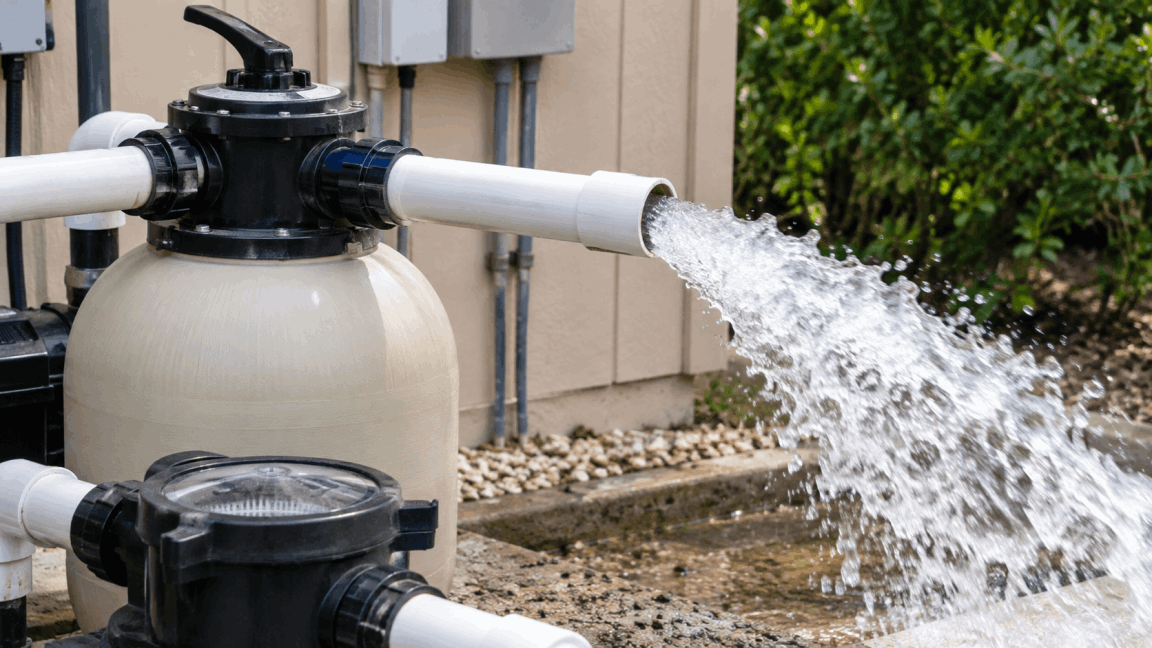
With the circulation system running in its normal filter mode, inspect the multiport sight glass for moving water, then locate the backwash discharge line and look or listen for flow. Do not change the valve position while the pump is running. If both areas stay dry, use a bucket test and continue diagnosing other possible leak sources.
Is your pool only losing water when the pump is running? Ever wonder how to check your pool backwash for a leak? Wait! Don’t call a leak detection specialist just yet.
Often, when your pool only loses water while the system is running, you may have a leaking backwash valve.
Determining whether your backwash valve is leaking is simple, and checking it yourself can save you hundreds of dollars. Did I mention it’s simple?
Check out our video on diagnosing your backwash system, or scroll down for step-by-step instructions on locating a backwash valve leak. If you’re unsure how backwashing works or what it does, here’s a helpful resource: https://www.swimuniversity.com/backwash-pool-filter/
Here’s How to Check Your Pool Backwash for a Leak
1. Turn on the system and check for a multiport valve
Turn on your pool system and go to the equipment pad. Look for a multiport valve, which is a specific type of valve that includes a sight glass.
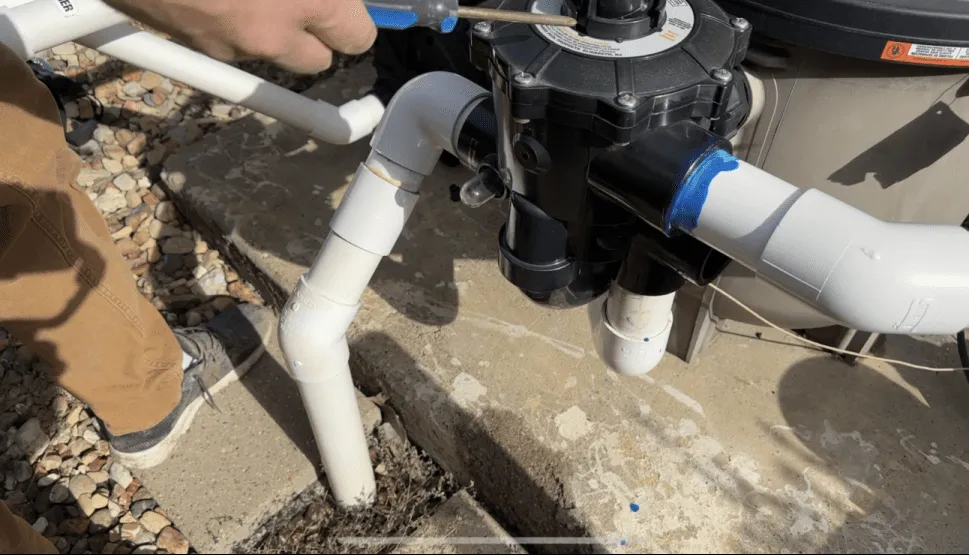
2. Check the sight glass for water
Check the sight glass for water. If you see water moving through it while the system is operating normally in filter mode, your backwash valve may be leaking.
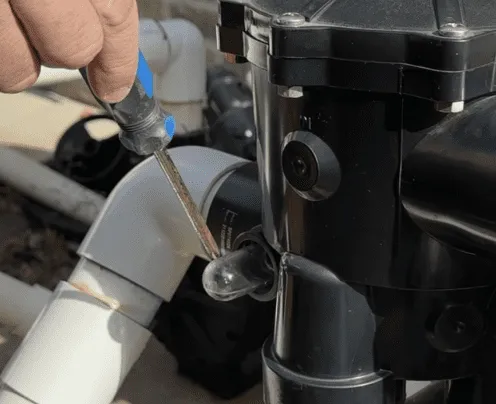
3. If the sight glass is dry, continue to the next check
A dry sight glass does not necessarily mean the backwash valve is not leaking; it is simply the first place to check. If you see water, you have found a strong indication of a leak. If you do not see water, continue to the next step.
4. Find the backwash discharge line
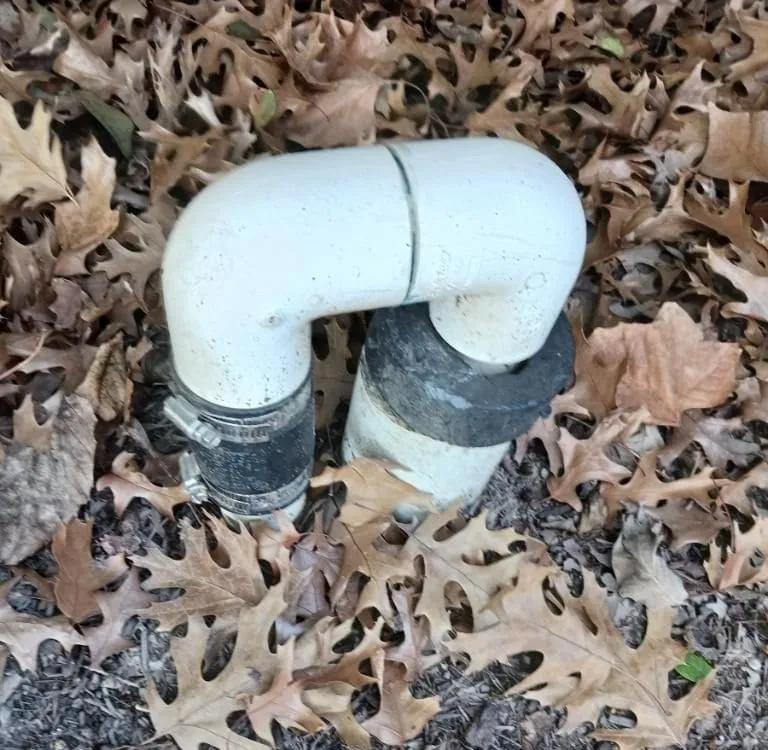
Go to the front of the house to look for your backwash discharge line. It is almost always in the front flowerbeds near the sewer cleanouts. Finding the backwash line can take some investigation.
You are looking for a line that usually comes up from the ground, often as a white pipe that runs into another pipe. Here is an example:
5. Look and listen for water coming from the pipe
Look and listen for water coming from this pipe. If you hear or see water while your pool system is running in normal filter mode, that confirms water is escaping through the backwash system.
6. If the backwash line is dry, continue diagnosing the pool
If no water comes from the backwash line while the system is running, the leak is likely somewhere else. At this point, it may be time to call a leak detection company near you to pinpoint where the water is escaping.
What to Do Next if You Don’t Have a Leak in Your Backwash Valve
At True Blue Leak Detection, we believe it’s a good idea to investigate before calling a leak detection company near you.
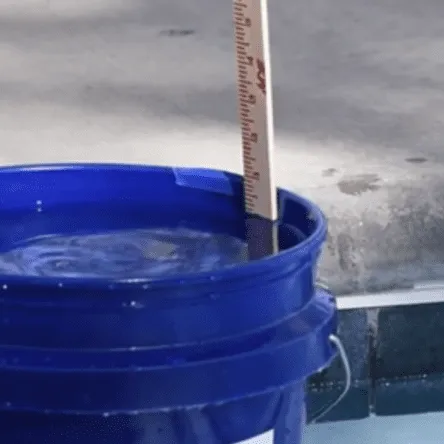
That’s why we recommend doing a pool bucket test to confirm that you are losing water because of a leak rather than normal evaporation. Evaporation can be significant during the summer.
Click here to find out how to do a bucket test.
Please browse the rest of our website, blog, and YouTube channel for more tips on troubleshooting a leaking pool.
If you have a leak and need someone to come out and find it, call us at 214-326-2634, or visit our online appointment page.
Pool Backwash Leak FAQ
Why might a pool lose water only while the pump is running?
Pressure-side plumbing, equipment, water features, or a multiport valve that sends water toward the backwash line can leak only—or more noticeably—while the circulation system is running.
Does water in the multiport sight glass prove the backwash valve leaks?
Moving water in the sight glass while the valve is set to filter is a useful warning sign. Confirm it by checking the backwash discharge line for unintended flow, because the sight glass alone may not establish the complete cause.
Where does a pool's backwash discharge line end?
The location varies by installation and local rules. It may terminate near the house, in the yard, at an approved drain, or at another designated discharge point. Trace the plumbing or ask a pool professional if the outlet is not obvious.
What can cause a multiport backwash valve to leak?
Possible causes include a worn spider gasket or seal, debris, or damage inside the multiport valve. Turn the pump off, relieve pressure, and follow the manufacturer's repair instructions—or use a qualified professional—before opening the valve.